
Özil Goal AI
Put yourself in a solo football run and recreate the timing of the final chip over the goalkeeper.
≈28.1K views · 1 person
≈10 TikTok creators this week
The short answer
Use a full-body photo that shows the lead’s face, kit and shoes. The selected clip guides movement and timing, and the photo guides the lead’s appearance and outfit.
Check the estimated credit cost in the studio. No subscription is required, and the finished MP4 is available from My Videos for seven days.
What is the Özil Goal AI effect?
The player carries the ball through a solo run. The sequence finishes with a chip over the goalkeeper and a view of the open net.
In TrendRemaker, your photo guides the lead performer’s face and clothes while the example guides the performance.
How to make a Özil Goal AI video
Add your lead photo
Use a full-body photo that shows the lead’s face, kit and shoes.
Review the reference
Track the change of pace before the chip and give the ball room to travel toward the goal.
Set quality and generate
Choose 16:9 to show more of the run and the ball’s path, or 9:16 to emphasize the player. The reference sets the duration. Check the estimated cost before generating.
Download your MP4
Open My Videos to track the render and download your finished video within seven days.
More trends to try
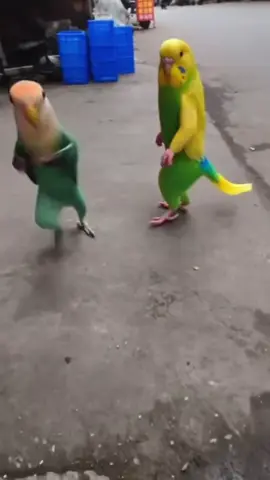
Bing Bing Bing Kicking AI
Recreate the low-angle street clip where two performers take turns hopping and kicking toward the camera.
Make it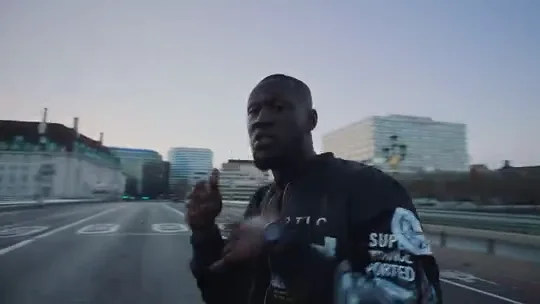
Vossi Bop AI
Use one photo to recreate a solo dance inspired by Vossi Bop, with the full-body bounce and footwork in view.
Make it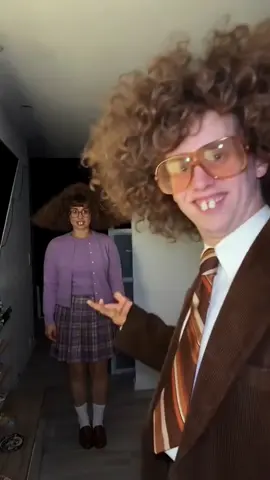
Hop Hop Hop AI
Use a photo to recreate the pointing-and-hopping duet with a cut that switches the performers’ roles.
Make itWhy make this with TrendRemaker?
Recreate the motion with your own look
One photo supplies the lead performer’s face, clothing and visible accessories.
Follow the key beats
Track the change of pace before the chip and give the ball room to travel toward the goal.
Özil Goal AI FAQ
What should stay visible during the chip?
Keep the player, ball and goalkeeper readable at the moment the ball lifts.
How many photos do I need?
Upload one photo of the lead you want to animate. When the studio offers supporting photo slots, you can add photos for those performers. The model fills roles you leave empty.
Which frame shape should I choose?
Choose 16:9 to show more of the run and the ball’s path, or 9:16 to emphasize the player.
Can I try it for free?
You can watch the reference and check the quote for free. Generating an MP4 requires signing in and using credits. Confirmed failed renders release reserved credits.
Does it use the original audio?
The reference guides the motion. The model generates a new video without the reference soundtrack.
Where can I download my result?
Open My Videos to play or download a completed MP4 within seven days.