
Pick a social video trend
Browse trends from TikTok, Instagram Reels and YouTube Shorts. Pick a reference for the moves and timing you want to recreate.
Find a short video worth recreating. Use its hook, timing and payoff to plan your own take.
Break a short video into an opening, a main action and a payoff. Select a reference to bring its timing into the studio.
Upload a lead photo and add optional supporting photos for references with multiple roles. The selected video guides the movements and timing. Find your finished video in My Videos.
Start in the studioBrowse trends from TikTok, Instagram Reels and YouTube Shorts. Pick a reference for the moves and timing you want to recreate.
Upload a photo of the lead. For trends with multiple roles, you can add photos for the supporting cast.
Pick an AI model and resolution. Use 9:16 for vertical feeds, 1:1 for square posts or 16:9 for wide shots.
Check the credit cost and generate your AI version. Download the finished MP4 from My Videos.
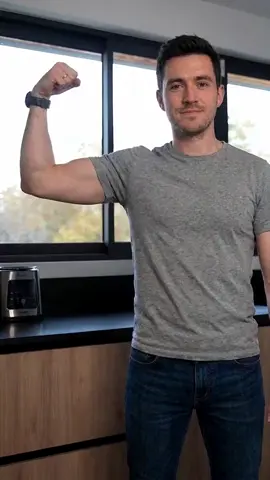
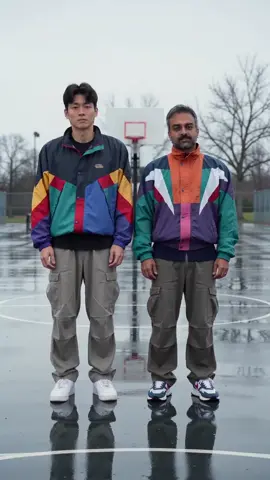
Follow the bounce and footwork in Vossi Bop using your own photo.
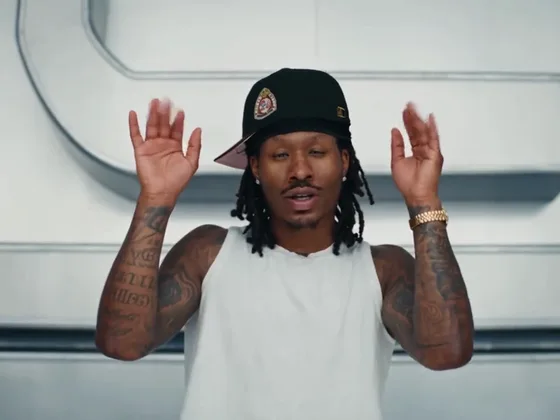
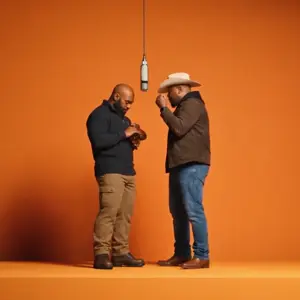
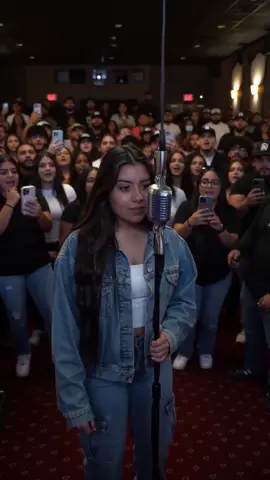
Cast yourself and a friend in the Hotel Lobby mic duet.
Turn a photo of your cat into the armored lead of the Cat Knight trend.
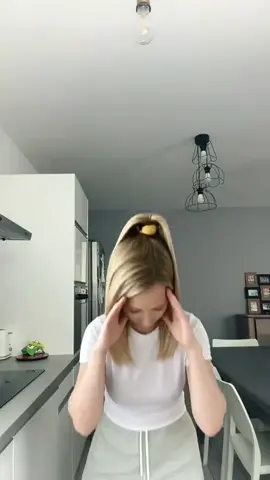
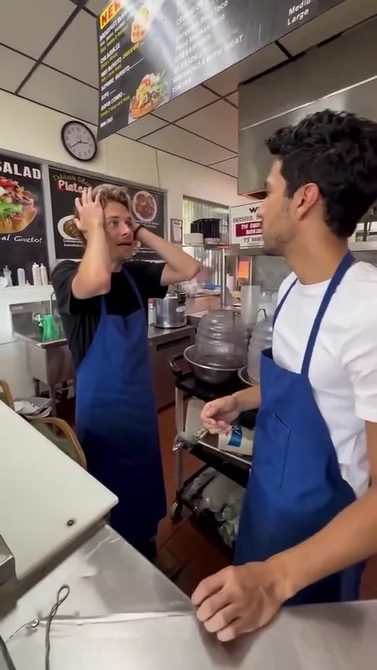
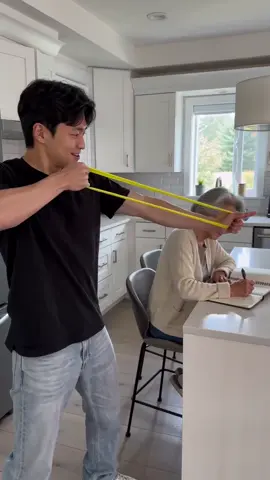
Recreate the dance-to-argument switch in the Bad Times kitchen clip.
No matching videos. Try another category or search term.


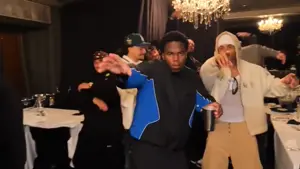
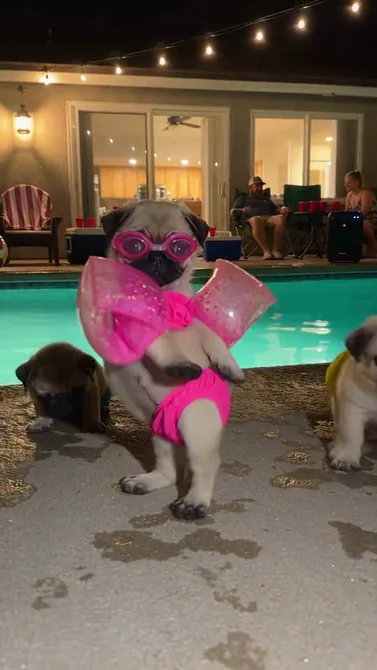




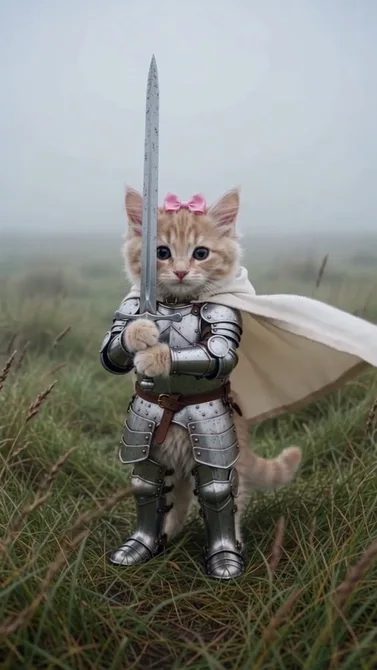

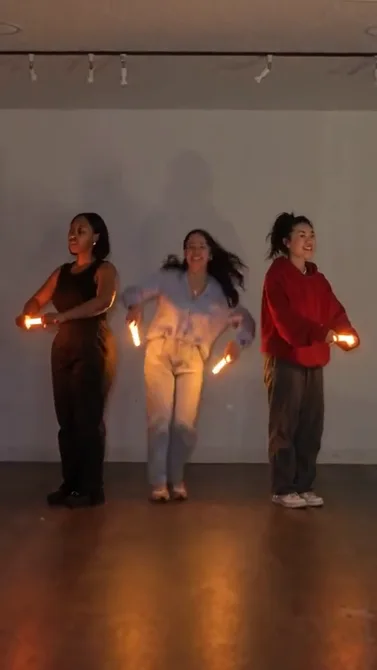

1 role

Up to 2 roles

Up to 2 roles
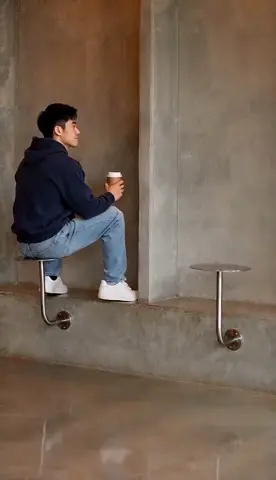
Up to 2 roles
1 role

1 role
1 role

1 role

Up to 2 roles

Up to 2 roles
1 role

Up to 2 roles

1 role

1 role

1 role
Up to 2 roles
1 role

1 role
1 role
Up to 2 roles

1 role

Up to 2 roles
1 role

Up to 2 roles

1 role

Up to 2 roles
Up to 2 roles

Up to 2 roles
1 role

1 role

1 role
1 role
Up to 3 roles

1 role

Up to 3 roles

1 role

1 role
Up to 3 roles
1 role
Up to 2 roles

Up to 2 roles
Up to 3 roles
Up to 2 roles

1 role
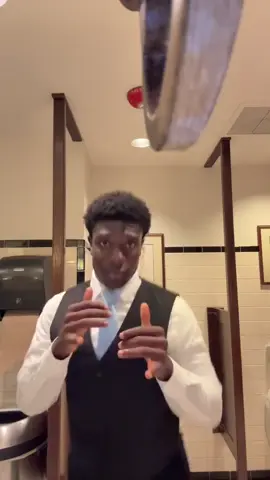
1 role
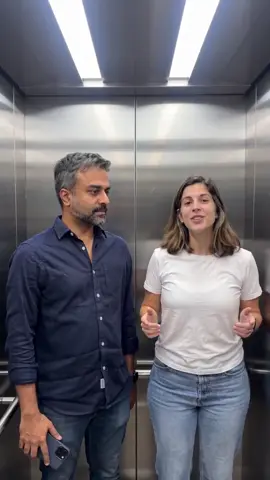
Up to 2 roles

Up to 2 roles

Up to 2 roles

1 role
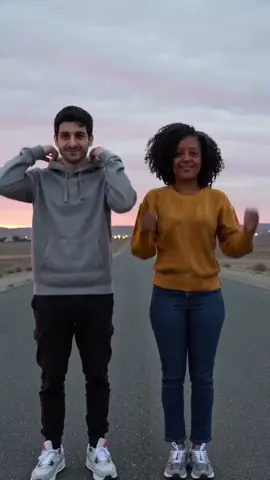
Up to 2 roles

1 role
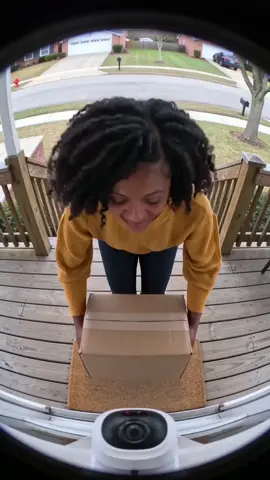
1 role
1 role

1 role
Up to 2 roles
1 role

1 role

1 role
Up to 2 roles
Up to 2 roles

Up to 2 roles

Up to 2 roles

1 role

1 role

1 role

1 role
1 role
1 role
1 role

1 role

Up to 2 roles
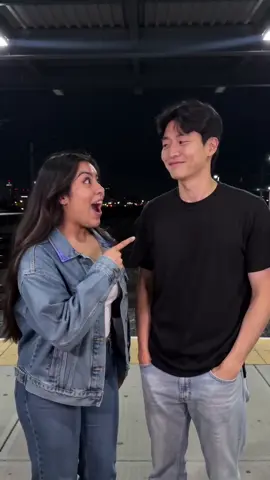
Up to 2 roles
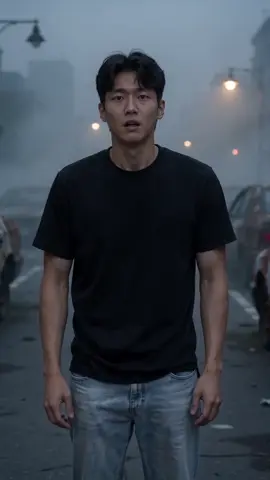
1 role
Learn what AI dance videos are, choose a style that fits your photo, and make your first clip with the Babydoll Dance AI walkthrough.
Break down a TikTok trend into its setup, key action, and payoff, then remake the sequence from a photo and a TrendRemaker reference.
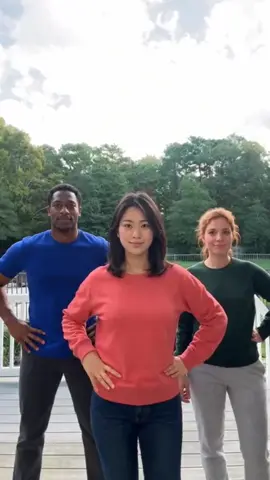
Choose a two-person dance reference, prepare one photo per dancer, and frame the duet so both performers stay visible.
Turn a cat or dog photo into a short AI video, from a poolside reveal to a clapping reaction or an armored cat.
A 10-second Fast video at 720p uses 16 credits. The credit cost depends on the model, resolution, and reference length.
Pay with PayPal or Waffo. Prices are in USD. Confirm your payment total at checkout.
100 credits / month · ≈ 10 videos / month
$29.90 / month
$29.90 USD billed monthly
≈ $2.99 per video
300 credits / month · ≈ 30 videos / month
$49.90 / month
$49.90 USD billed monthly
≈ $1.66 per video
800 credits / month · ≈ 80 videos / month
$99.90 / month
$99.90 USD billed monthly
≈ $1.25 per video
400 credits / year · ≈ 40 videos / year
$8.33 / mo equivalent
$100.00 USD billed yearly
≈ $2.50 per video
Save 72% vs monthly
4,000 credits / year · ≈ 400 videos / year
$41.67 / mo equivalent
$500.00 USD billed yearly
≈ $1.25 per video
Save 16% vs monthly
6,000 credits / year · ≈ 600 videos / year
$50.00 / mo equivalent
$600.00 USD billed yearly
≈ $1.00 per video
Save 50% vs monthly
Buy credits once and use them when you’re ready.
10 credits · ≈ 1 video
$6.99
One-time payment
≈ $6.99 per video
50 credits · ≈ 5 videos
$29.00
One-time payment
≈ $5.80 per video
17% less per credit
350 credits · ≈ 35 videos
$99.00
One-time payment
≈ $2.83 per video
60% less per credit
900 credits · ≈ 90 videos
$199.00
One-time payment
≈ $2.21 per video
68% less per credit
3,000 credits · ≈ 300 videos
$499.00
One-time payment
≈ $1.66 per video
76% less per credit
Video estimates use a 10-second Pro clip at 480p (10 credits). Actual cost depends on your settings.
Rates are shown for 5 seconds. Cost scales with the reference length and rounds up to a whole credit. Frame shape does not change the price.
| Model | 480p | 720p | 1080p |
|---|---|---|---|
| FastSeedance 2.0 Fast | 4 credits | 8 credits | — |
| ProSeedance 2.0 | 5 credits | 9 credits | 21 credits |
| UltraSeedance 2.5 | 8 credits | 16 credits | 39 credits |
Unused subscription credits expire at the next monthly credit cycle. For example, a monthly credit period that starts on March 31 ends on April 30. Credits purchased in a one-time pack do not expire.
Go from a scene you like to a plan for your own short video.
See the reference before deciding how to frame your own clip.
Selecting a reference sets the length of your clip.
Choose portrait or landscape based on how much space the action needs.
Check the estimated credit cost in the studio.
Check your video from the queue to the finished file.
Play or save your finished video from My Videos.
Browse the reference library by topic or search for a clip by name.
Upload one JPG, PNG, or WebP photo for the lead. References with multiple roles also accept optional supporting photos.
It guides the gestures, poses, footwork and timing. Your photo supplies the main character and the visible clothing.
The selected video sets the duration. The model uses whole seconds. Choose Ultra for references over 15 seconds.
Credits are reserved when you select Generate AI video and charged after the video is ready. The reservation is released if the task is confirmed to have failed.
Play or download the MP4 from My Videos for seven days, or delete it sooner.