
You Talking Bout Me AI
Put your photo in a diner-counter skit that cuts from the speaker to the other friends’ reactions.
Make a You Talking Bout Me AI videoThe short answer
Choose a clear face and upper-body photo with the lead’s outfit in view. The selected clip guides movement and timing, and the photo guides the lead’s appearance and outfit.
Check the estimated credit cost in the studio. No subscription is required, and the finished MP4 is available from My Videos for seven days.
What is the You Talking Bout Me AI effect?
The lead gets the first beat at the diner counter. The next shots shift attention to the friends, whose expressions carry the response.
In TrendRemaker, your photo guides the lead performer’s face and clothes while the example guides the performance.
How to make a You Talking Bout Me AI video
Add your lead photo
Choose a clear face and upper-body photo with the lead’s outfit in view.
Review the reference
Watch the speaker’s expression, then note how long each reaction shot holds.
Set quality and generate
Choose 9:16 for the reaction close-ups or 16:9 to keep more of the group visible. The reference sets the duration. Check the estimated cost before generating.
Download your MP4
Open My Videos to track the render and download your finished video within seven days.
More trends to try
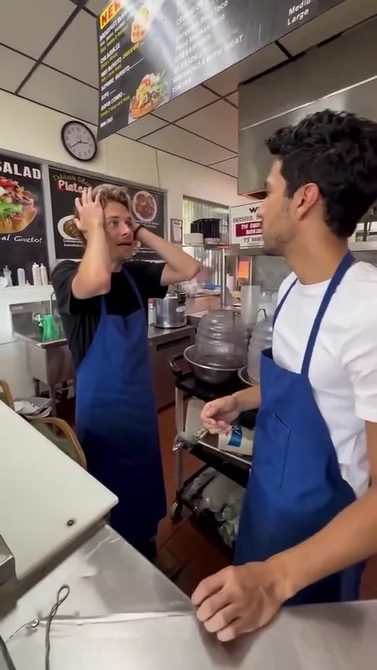
Waiting on My Fries AI
Make a taco-shop reaction video from a photo, following the counter setup and the reveal of the coworker.
Make it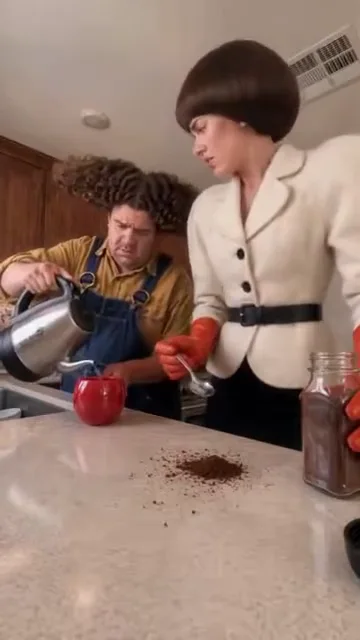
Duo Coffee AI
Recreate Coffee Break from your photo, following the coffee pour and the two friends’ reactions.
Make it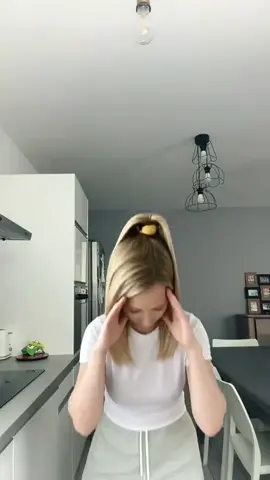
Bad Times AI
Recreate the kitchen dance that turns into a playful argument, using one photo of your lead performer.
Make itWhy make this with TrendRemaker?
Recreate the motion with your own look
One photo supplies the lead performer’s face, clothing and visible accessories.
Follow the key beats
Watch the speaker’s expression, then note how long each reaction shot holds.
You Talking Bout Me AI FAQ
Do I need the dialogue to follow the scene?
The reference guides visible gestures and reaction timing. The generated video has no original soundtrack.
How many photos do I need?
Upload one photo of the lead you want to animate. When the studio offers supporting photo slots, you can add photos for those performers. The model fills roles you leave empty.
Which frame shape should I choose?
Choose 9:16 for the reaction close-ups or 16:9 to keep more of the group visible.
Can I try it for free?
You can watch the reference and check the quote for free. Generating an MP4 requires signing in and using credits. Confirmed failed renders release reserved credits.
Does it use the original audio?
The reference guides the motion. The model generates a new video without the reference soundtrack.
Where can I download my result?
Open My Videos to play or download a completed MP4 within seven days.